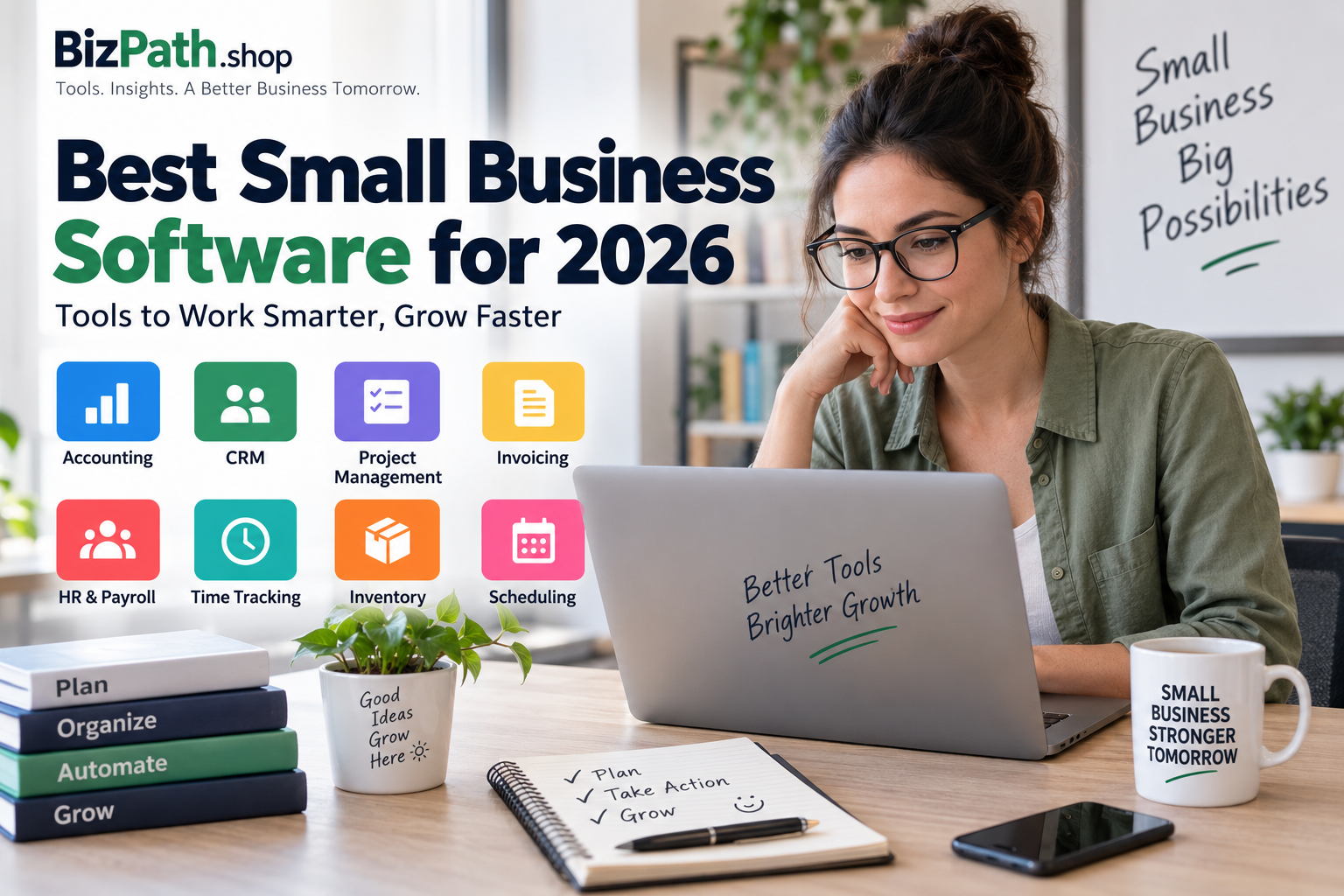
Best Small Business Software for 2026
Running a small business usually means handling many responsibilities at once. You may need to manage customers, send invoices, track expenses, organize projects, schedule meetings, and keep your team on the same page.
The right business software can reduce this workload by bringing repetitive tasks into one organized system.
But with hundreds of software products available, choosing the right one can be difficult. The best option depends on your business size, budget, team, and the tasks you need to manage.
In this guide, we look at the major types of small business software and explain what to consider before choosing a tool.
What Is Small Business Software?
Small business software refers to digital tools designed to help businesses manage everyday operations.
Depending on the product, software can help with:
- Accounting and bookkeeping
- Customer relationship management
- Invoicing and payments
- Project management
- Employee management
- Time tracking
- Inventory
- Scheduling
- Marketing
- Communication and collaboration
You don’t necessarily need a separate application for every task. Many modern platforms combine several functions, which can make managing a small business easier.
What Software Does a Small Business Actually Need?
There isn’t one software package that works for every company.
A freelancer may only need accounting, invoicing, and project management tools. A small retail company may need inventory, accounting, employee management, and point-of-sale software.
Before buying anything, identify the tasks that currently take the most time.
For example, if you’re spending hours creating invoices manually, invoicing software could provide more value than an advanced CRM.
Best Types of Software for Small Businesses
1. Accounting Software
Accounting software helps businesses organize financial information and reduce manual bookkeeping.
Common features include:
- Expense tracking
- Income tracking
- Bank reconciliation
- Financial reports
- Invoicing
- Tax-related reports
- Receipt management
Accounting software can be particularly useful when a business starts handling a larger number of transactions.
When comparing accounting tools, look at the features included in each plan rather than choosing based only on the monthly price.
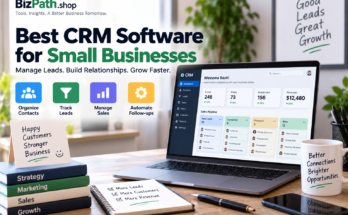
2. CRM Software
Customer relationship management (CRM) software helps businesses organize information about prospects and customers.
A CRM can help you keep track of:
- Customer contact information
- Sales opportunities
- Previous interactions
- Follow-up tasks
- Deals and sales pipelines
- Email communication
For businesses that depend heavily on sales or recurring customers, a CRM can become one of the most valuable software tools they use.
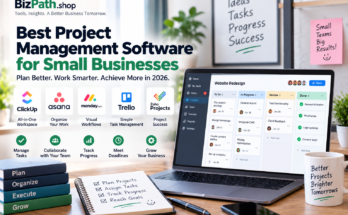
3. Project Management Software
Project management software helps teams organize work and monitor progress.
Typical features include:
- Tasks
- Due dates
- Assignments
- Project boards
- Checklists
- File sharing
- Team collaboration
Even a small team can benefit from project management software because it provides a central place to see what needs to be done.
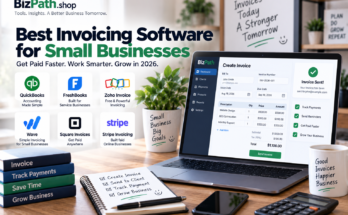
4. Invoicing Software
Invoicing tools are designed to make billing customers easier.
Instead of creating invoices manually, businesses can often use templates and automatically calculate totals.
Useful features may include:
- Custom invoices
- Recurring invoices
- Payment tracking
- Automatic reminders
- Multiple currencies
- Online payment options
If you regularly invoice customers, this type of software can save considerable administrative time.
5. Payroll and HR Software
Businesses with employees may need dedicated payroll or HR software.
These platforms can help with:
- Employee records
- Payroll calculations
- Time-off tracking
- Benefits administration
- Tax documentation
- Employee onboarding
Payroll requirements vary by country, so businesses should make sure a platform supports the regulations and payroll requirements applicable to them.
6. Time Tracking Software
Time tracking software records how employees or contractors spend their working hours.
It can be useful for:
- Hourly employees
- Freelancers
- Agencies
- Consultants
- Remote teams
Some tools also connect time tracking with project management or invoicing, allowing businesses to turn tracked hours into billable work.
7. Inventory Management Software
Retailers and product-based businesses often need inventory management software.
These tools can help track:
- Stock levels
- Product quantities
- Purchase orders
- Sales
- Suppliers
- Low-stock alerts
Accurate inventory information can help businesses avoid both overstocking and running out of popular products.
8. Appointment Scheduling Software
Service businesses can use scheduling software to let customers book appointments online.
Useful features may include:
- Online booking pages
- Calendar synchronization
- Automated reminders
- Staff schedules
- Rescheduling
- Cancellation management
This can reduce the amount of time spent exchanging messages with customers to find an available appointment.
9. Marketing Software
Marketing software helps businesses attract and communicate with customers.
Depending on the platform, features may include:
- Email marketing
- Lead generation
- Social media management
- Marketing automation
- Customer segmentation
- Campaign analytics
Small businesses should avoid paying for advanced marketing features they aren’t actually going to use.
10. Team Communication Software
Communication platforms help employees collaborate without relying entirely on email.
Features can include:
- Team messaging
- File sharing
- Voice and video calls
- Group conversations
- Notifications
- Integrations
For remote and hybrid teams, having a dedicated communication platform can make everyday collaboration much easier.
How to Choose the Best Small Business Software
Choosing software becomes easier when you compare products according to your actual requirements.
Consider Your Budget
Start with the amount you’re comfortable spending each month.
Remember that the cheapest option isn’t always the least expensive in the long run. A low-cost product that requires lots of manual work may cost more in employee time.
Check the Features
Make a list of features you actually need.
For example:
Must have: invoicing, recurring billing, payment tracking
Nice to have: automation, advanced reports
This prevents you from paying for features that don’t provide real value.
Look at Ease of Use
Software should make work easier, not create another complicated system your team avoids using.
Look for:
- Clear navigation
- Simple setup
- Useful documentation
- Good customer support
- Easy onboarding
Check Integrations
Your software may need to work with other tools you already use.
For example, an accounting platform might need to connect with your bank, payment processor, ecommerce platform, or payroll system.
Think About Scalability
The software should ideally support your business as it grows.
Check whether you can add:
- More users
- More customers
- Additional projects
- Higher transaction volumes
- Advanced features
Switching software later can be time-consuming, so scalability is worth considering from the beginning.
Free vs. Paid Small Business Software
Many business software companies offer free plans or free trials.
Free software can be a good choice when you’re starting out, but free plans often have limitations.
These might include:
- Fewer users
- Limited storage
- Fewer integrations
- Basic reporting
- Usage limits
- Limited customer support
A paid plan may become worthwhile once the software saves your business enough time or helps generate additional revenue.
Should You Use One All-in-One Platform?
All-in-one business platforms can be convenient because multiple functions are available in one system.
However, specialized software can sometimes provide deeper features for a specific task.
For example, a business might prefer:
One accounting platform + one CRM + one project management tool
instead of an all-in-one system.
The right approach depends on how complex your operations are.
Common Mistakes When Buying Business Software
Buying Too Many Tools
Using ten different applications can make your workflow more complicated rather than easier.
Start with the tools that solve your biggest problems.
Choosing Based Only on Price
A cheap product isn’t necessarily better value.
Consider the time saved, features included, integrations, support, and scalability.
Ignoring Data Export
Before committing to a platform, check whether you can export your business data.
This becomes particularly important if you ever decide to switch providers.
Not Testing the Software
Whenever possible, use a free trial or demo before paying for a long-term subscription.
Let the people who will actually use the software test it.
Frequently Asked Questions
What is the best software for a small business?
There isn’t one best software for every business. The right choice depends on your industry, team size, budget, and operational needs.
Should a small business use paid software?
Paid software can be worthwhile when it saves significant time, reduces errors, improves organization, or helps generate revenue.
Can small businesses use free software?
Yes. Free plans can be suitable for freelancers and very small businesses, although they often include feature or usage limitations.
How many software tools does a small business need?
There is no fixed number. A small business may only need a few core tools, while a larger operation may require specialized systems.
What should I consider before buying business software?
Consider pricing, features, ease of use, integrations, security, customer support, scalability, and whether you can export your data.
Final Thoughts
The best small business software isn’t necessarily the platform with the longest feature list.
It’s the software that solves a real problem without making your workflow unnecessarily complicated.
Start by identifying your biggest operational challenges. Then compare software based on the features you actually need, your budget, ease of use, integrations, and future growth.
For many small businesses, starting with accounting, CRM, project management, and invoicing is a practical foundation. Additional tools can be added as the business grows.