Managing business finances can become difficult as a company grows. Tracking income, expenses, invoices, payments, and financial reports manually can take valuable time and increase the chance of mistakes.
Accounting software can simplify many of these tasks by keeping financial information organized in one place.
But there are many accounting platforms available, and they are not all designed for the same type of business. A freelancer may need a simple invoicing and expense-tracking solution, while a growing company may need advanced reporting, inventory management, multiple users, and integrations.
In this guide, we’ll compare some of the best accounting software for small businesses in 2026 and explain what to look for before choosing a platform.
Quick Comparison
| Software | Best For | Main Strength |
|---|---|---|
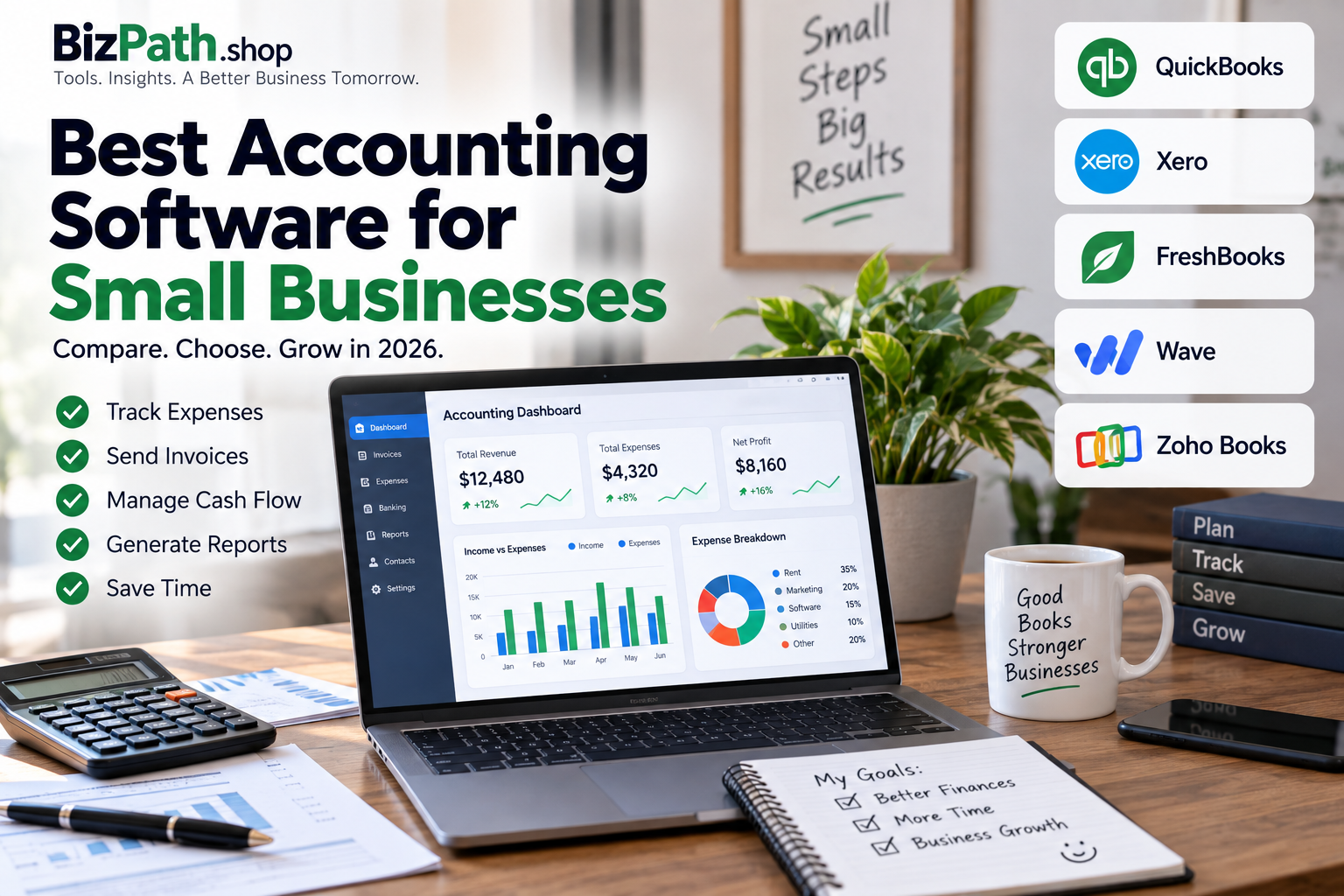
| QuickBooks Online | Most small businesses | Comprehensive accounting |
| Xero | Growing businesses | Collaboration and bank reconciliation |
| FreshBooks | Freelancers and service businesses | Invoicing and time tracking |
| Wave | Very small businesses | Free core accounting |
| Zoho Books | Zoho users | Automation and integrations |
Pricing, features, and availability can vary by country and subscription plan, so check the provider’s current information before making a purchase.
What Is Accounting Software?
Accounting software is a digital tool that helps businesses record, organize, and manage financial transactions.
Depending on the platform, accounting software can help with:
- Income tracking
- Expense management
- Invoicing
- Bank reconciliation
- Financial reporting
- Accounts receivable
- Accounts payable
- Receipt management
- Tax-related organization
- Payment tracking
- Inventory management
Instead of maintaining multiple spreadsheets, businesses can use accounting software to keep much of their financial information organized in one system.
1. QuickBooks Online — Best Overall for Many Small Businesses
QuickBooks Online is one of the most widely recognized accounting platforms for small businesses.
It provides a broad selection of accounting features and supports integrations with many other business applications.
Best For
- Growing small businesses
- Businesses working with accountants
- Companies that need detailed financial reports
- Businesses that need multiple integrations
Key Features
QuickBooks Online can provide tools for:
- Income and expense tracking
- Invoicing
- Financial reporting
- Bank and credit card connections
- Expense categorization
- Estimates
- Payment processing
- Business integrations
Pros
- Comprehensive feature set
- Large integration ecosystem
- Strong reporting
- Widely used by accounting professionals
- Can support growing businesses
Cons
- Can be more expensive than simpler alternatives
- May feel complicated for very small businesses
- Some features require higher-tier plans or add-ons
Our Take
QuickBooks Online is a strong option for businesses that want comprehensive accounting features and expect their financial requirements to become more sophisticated over time.
2. Xero — Best for Growing and Collaborative Businesses
Xero is a popular cloud-based accounting platform that provides accounting and financial management tools for businesses.
It can be particularly useful for companies that need multiple people to collaborate on financial information.
Best For
- Growing businesses
- Small teams
- Businesses working with accountants
- Companies that need bank reconciliation
Key Features
Depending on the plan and region, Xero can provide:
- Bank reconciliation
- Invoicing
- Expense management
- Financial reporting
- Inventory-related features
- Multi-user access
- Business integrations
Pros
- Clean and modern interface
- Useful collaboration features
- Strong bank reconciliation
- Suitable for growing companies
Cons
- Some advanced features require higher plans
- Pricing and features vary by country
- May offer more functionality than a freelancer needs
Our Take
Xero is worth considering if you want cloud accounting software that can support collaboration and business growth.
3. FreshBooks — Best for Freelancers and Service Businesses
FreshBooks focuses heavily on invoicing, time tracking, expenses, and accounting for service-based businesses.
It can be particularly useful for freelancers, consultants, agencies, and other professionals who bill clients directly.
Best For
- Freelancers
- Consultants
- Agencies
- Designers
- Photographers
- Service businesses
Key Features
FreshBooks can help with:
- Invoicing
- Expense tracking
- Time tracking
- Estimates
- Client management
- Payments
- Financial reports
Pros
- User-friendly interface
- Strong invoicing tools
- Useful time tracking
- Good fit for service businesses
Cons
- May not be ideal for inventory-heavy businesses
- Some advanced accounting requirements may need additional tools
- Costs can increase as more clients or features are added
Our Take
If your business mainly involves clients, projects, invoices, and billable hours, FreshBooks can be a useful accounting option.
4. Wave — Best Free Option for Small Businesses
Wave is an accounting platform that can be attractive to freelancers and very small businesses looking to keep software costs low.
Its free core accounting offering makes it particularly interesting for businesses with relatively simple financial requirements.
Best For
- Freelancers
- Solopreneurs
- Very small service businesses
- Businesses with simple accounting needs
Key Features
Depending on availability in your region, Wave can provide:
- Income and expense tracking
- Accounting
- Invoicing
- Financial reports
- Receipt management
- Payment services
Pros
- Free core accounting option
- Simple for smaller businesses
- Useful invoicing tools
- Low barrier to entry
Cons
- Fewer advanced features than some competitors
- Some services are paid
- Availability varies by location
Our Take
Wave can be a practical option if you need basic accounting and want to minimize monthly software expenses.
5. Zoho Books — Best for Businesses Using Zoho
Zoho Books is part of the larger Zoho business software ecosystem.
This makes it particularly interesting for businesses that already use other Zoho products or want multiple business tools that can work together.
Best For
- Small businesses
- Freelancers
- Businesses already using Zoho
- Companies interested in automation
Key Features
Depending on the plan and region, Zoho Books can provide:
- Invoicing
- Expense tracking
- Bank reconciliation
- Financial reporting
- Inventory
- Automation
- Tax features
- Integrations
Pros
- Strong business software ecosystem
- Automation capabilities
- Useful integrations
- Good range of features
Cons
- Some advanced features require higher plans
- New users may need time to learn the ecosystem
- Features vary by country
Our Take
If your business already uses Zoho products, Zoho Books can be a convenient way to integrate accounting with your wider business workflow.
Accounting Software Comparison
| Feature | QuickBooks | Xero | FreshBooks | Wave | Zoho Books |
|---|---|---|---|---|---|
| Invoicing | Yes | Yes | Yes | Yes | Yes |
| Expense Tracking | Yes | Yes | Yes | Yes | Yes |
| Financial Reports | Yes | Yes | Yes | Yes | Yes |
| Bank Connections | Yes | Yes | Yes | Available | Yes |
| Time Tracking | Available | Available | Strong | Limited | Available |
| Inventory | Available | Available | Limited | Limited | Available |
| Free Core Plan | No | No | No | Yes* | Available in some markets |
| Best For | Growing businesses | Teams | Service businesses | Very small businesses | Zoho users |
*Availability and features can vary by country and plan.
What Features Should Small Businesses Look For?
Choosing accounting software should be based on your actual business requirements rather than the number of features a platform advertises.
Income and Expense Tracking
Your accounting platform should make it easy to record money coming into and leaving your business.
Automatic categorization can also reduce repetitive bookkeeping work.
Invoicing
If you regularly bill customers, look for software that allows you to:
- Create professional invoices
- Send invoices electronically
- Track payment status
- Send payment reminders
- Create recurring invoices
Bank Reconciliation
Bank connections can make it easier to compare transactions in your accounting system with activity in your bank account.
This can reduce manual data entry and make financial records easier to maintain.
Financial Reporting
Good accounting software should help you understand how your business is performing.
Common reports include:
- Profit and loss
- Balance sheet
- Cash flow
- Accounts receivable
- Accounts payable
- Expense reports
Integrations
Your accounting platform may need to connect with:
- Payment processors
- Ecommerce platforms
- CRM software
- Payroll systems
- Banking services
- Inventory platforms
Before choosing software, check whether it integrates with the tools you already use.
How Much Does Small Business Accounting Software Cost?
Accounting software pricing varies significantly between providers.
Some platforms offer free plans, while others use monthly subscriptions based on features, users, transactions, or business requirements.
When comparing prices, don’t look only at the monthly subscription.
Also consider:
- Number of users
- Invoice limits
- Bank connections
- Reporting features
- Payroll
- Inventory
- Payment processing fees
- Add-ons
- Accountant access
A lower monthly price does not always mean a lower overall cost.
Free vs. Paid Accounting Software
When Free Software Makes Sense
Free accounting software may be enough if you’re:
- A freelancer
- Running a new business
- A solopreneur
- Operating a small service business
- Managing a relatively low number of transactions
When Paid Software Makes More Sense
Paid software may become worthwhile when you need:
- More users
- Advanced reporting
- Inventory management
- Automation
- More integrations
- Better collaboration
- Advanced financial controls
- Scalability
The goal isn’t simply to find the cheapest accounting platform.
The goal is to find software that provides the functionality your business actually needs at a reasonable total cost.
Accounting Software for Freelancers
Freelancers generally don’t need the same accounting system as a company with a large accounting department.
Important features may include:
- Simple invoicing
- Expense tracking
- Receipt storage
- Time tracking
- Payment tracking
- Basic financial reports
FreshBooks and Wave can be worth considering for this type of business, while QuickBooks and Zoho Books may be more appropriate if the freelancer expects the business to grow.
Accounting Software for Service Businesses
Consultants, agencies, designers, developers, and other service businesses often care about:
- Client management
- Time tracking
- Project profitability
- Invoicing
- Recurring billing
- Expense tracking
FreshBooks can be attractive for service businesses because of its focus on invoicing and time-based work.
QuickBooks and Xero may be better choices for businesses that need broader accounting functionality.
Accounting Software for Ecommerce Businesses
Ecommerce businesses often have different accounting requirements.
They may need:
- Inventory tracking
- Sales-channel integrations
- Payment reconciliation
- Tax calculations
- Cost tracking
- Profitability reports
If you operate an ecommerce business, choose accounting software that integrates with your ecommerce platform and payment systems.
Automating data transfer can reduce manual work and improve financial accuracy.
How to Choose the Right Accounting Software
Before subscribing to an accounting platform, ask yourself a few basic questions.
How Many People Will Use It?
A freelancer has different requirements from a business with several employees or an accounting team.
Check how many users are included in each plan and how much additional users cost.
Do You Need Inventory?
If you sell physical products, inventory functionality may be important.
If you run a service business, paying extra for advanced inventory features may not provide much value.
Do You Need Payroll?
If you have employees, check whether payroll is included or available through an integration.
Do You Work With an Accountant?
If you already work with an accountant, ask which accounting platforms they support.
Using a platform your accountant already knows may simplify collaboration.
Does It Work in Your Country?
This is extremely important.
Tax rules, invoicing requirements, payment systems, currencies, and available features vary between countries.
Don’t assume that software popular in one country will automatically meet your local requirements.
Can You Export Your Data?
Before committing to a platform, understand how you can export your financial information if you decide to move to another provider.
Common Accounting Software Mistakes
Buying Too Many Features
More features aren’t always better.
If you only need invoicing and expense tracking, paying for an advanced accounting system may not make sense.
Ignoring Country-Specific Requirements
Tax and invoicing rules vary between countries.
Always verify that the software supports the requirements that apply to your business.
Choosing Only Based on Price
A cheap platform can become more expensive if you need multiple add-ons.
Look at the total cost rather than only the advertised starting price.
Not Testing Before Buying
Whenever possible, use a free trial or product demo before paying for a long-term subscription.
Try completing normal business tasks with the software before making your final decision.
Frequently Asked Questions
What is the best accounting software for a small business?
There isn’t one universal winner. QuickBooks Online is a strong general-purpose option, while Xero, FreshBooks, Wave, and Zoho Books can be better suited to specific business types and budgets.
What is the best free accounting software?
Wave is one option for businesses looking for free core accounting features, although availability and paid services can vary by location.
Is accounting software worth it for a small business?
It can be. Automating bookkeeping, invoicing, expense tracking, and financial reporting can reduce manual work and improve financial visibility.
Can I use accounting software without an accountant?
Yes. Many accounting platforms are designed for business owners without professional accounting backgrounds. However, an accountant can still provide valuable assistance with taxes, compliance, and complex financial decisions.
Should I use QuickBooks or Xero?
Both are established accounting platforms. QuickBooks may be preferable if you want a broad ecosystem and extensive integrations, while Xero can be attractive for businesses that prioritize collaboration and cloud-based accounting.
Is FreshBooks good for small businesses?
FreshBooks can be particularly useful for freelancers and service businesses that rely heavily on invoicing and time tracking.
Can accounting software replace an accountant?
Not necessarily. Accounting software can automate many bookkeeping tasks, but it doesn’t replace professional advice for taxes, compliance, financial planning, or complex business structures.
Final Verdict
The best accounting software depends on the specific needs of your business.
- QuickBooks Online — strong all-around option for many growing businesses
- Xero — good choice for collaborative and growing teams
- FreshBooks — particularly useful for freelancers and service businesses
- Wave — attractive for businesses looking for free core accounting
- Zoho Books — a strong option for businesses already using the Zoho ecosystem
Before choosing a platform, compare the actual features, total cost, integrations, country-specific support, ease of use, and scalability.
The right accounting software should make financial management simpler, more organized, and easier to maintain as your business grows.