Getting paid on time is one of the most important parts of running a small business.
But creating invoices manually, tracking unpaid bills, sending payment reminders, and keeping records can quickly become a time-consuming task.
That’s where invoicing software can help.
The right invoicing platform can help you create professional invoices, send them to customers, accept online payments, track outstanding balances, and automate reminders.
Some platforms focus mainly on invoicing, while others combine invoicing with accounting, expense tracking, time tracking, and other business tools.
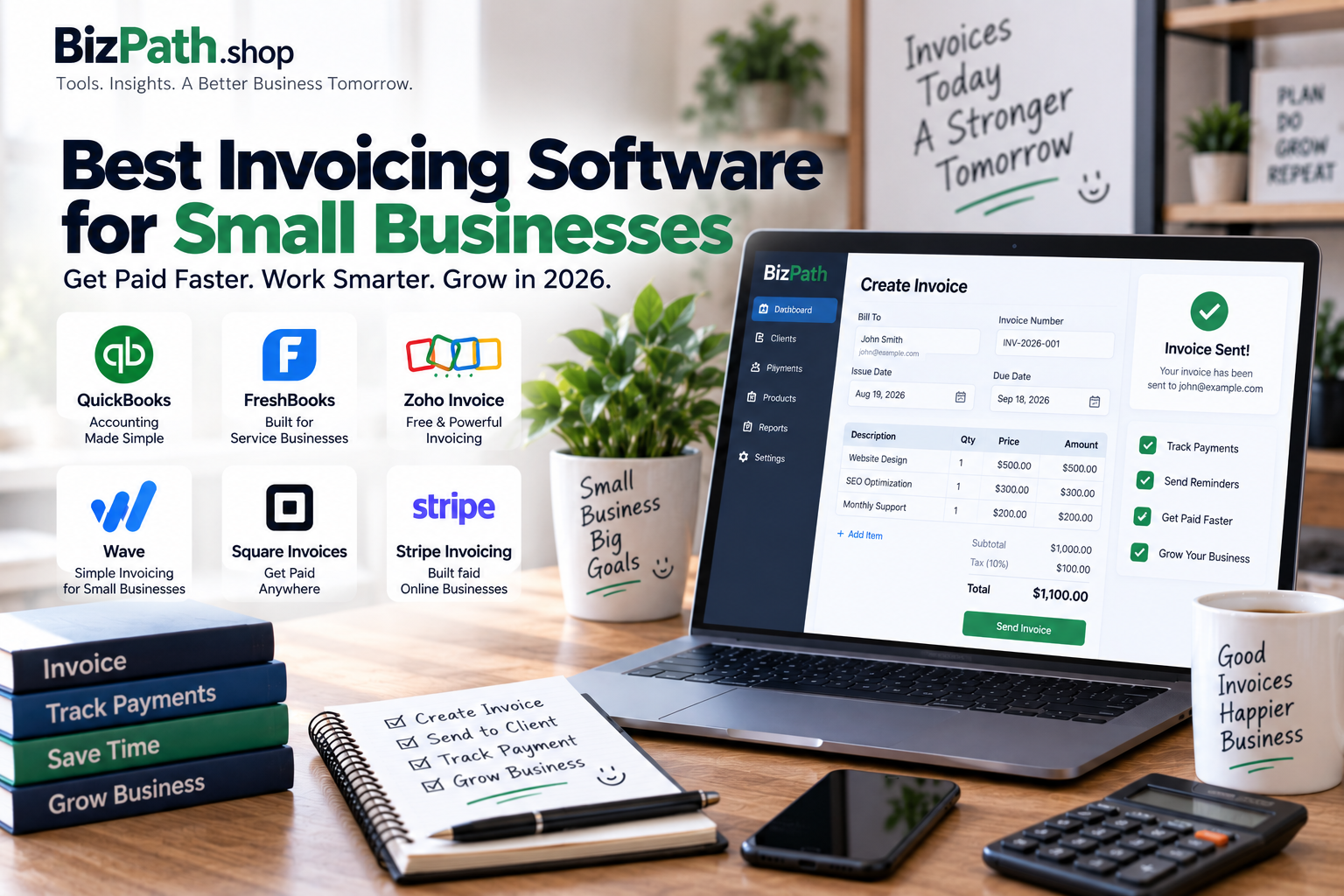
In this guide, we’ll compare the best invoicing software for small businesses in 2026 and explain which option is best for different types of businesses.
Quick Comparison
| Software | Best For | Free Option | Main Strength |
|---|---|---|---|
| QuickBooks Online | Growing businesses | Limited/Trial options vary | Invoicing + accounting |
| FreshBooks | Freelancers & service businesses | Free trial | Easy invoicing and client management |
| Zoho Invoice | Free invoicing | Yes | Strong free invoicing features |
| Wave | Freelancers & very small businesses | Yes | Free invoicing + basic accounting |
| Square Invoices | Retail & service businesses | Yes | Invoicing + payment processing |
| Stripe Invoicing | Online businesses | Yes | Online and recurring payments |
Pricing, features, payment fees, and plan limits can change. Always check the provider’s current pricing before purchasing.
What Is Invoicing Software?
Invoicing software is a digital tool that helps businesses create, send, manage, and track invoices.
Instead of creating invoices manually in Word or Excel, you can use software to automate much of the process.
Depending on the platform, you may be able to:
- Create professional invoices
- Add your company branding
- Send invoices by email
- Accept online payments
- Track unpaid invoices
- Send automatic reminders
- Create recurring invoices
- Create estimates and quotes
- Track expenses
- Track billable hours
- Manage customer information
- Generate financial reports
For a small business, these features can save hours of administrative work.
Why Small Businesses Need Invoicing Software
Many small businesses start with spreadsheets or simple invoice templates.
That can work when you only have a few customers.
But as your business grows, manually tracking invoices becomes harder.
You may need to keep track of:
- Which invoices have been paid
- Which customers still owe money
- When invoices are due
- Which payments are overdue
- Recurring customers
- Tax information
- Business expenses
- Online payments
Invoicing software puts this information into one place.
1. Get Paid Faster
Online invoices can make it easier for customers to pay.
Many platforms allow businesses to add payment options directly to invoices.
2. Automate Payment Reminders
Instead of manually contacting customers about overdue invoices, some platforms can automatically send reminders.
3. Look More Professional
Professional invoice templates can make your business look more established and trustworthy.
4. Reduce Administrative Work
Creating recurring invoices and automating reminders can reduce repetitive tasks.
5. Keep Better Records
Digital invoicing systems make it easier to keep track of sales, payments, and outstanding balances.
Best Invoicing Software for Small Businesses
1. QuickBooks Online — Best for Invoicing Plus Accounting
QuickBooks Online is a strong option for small businesses that need more than basic invoicing.
The platform combines invoicing with broader accounting functionality, making it useful for businesses that want their financial records and invoices managed in one system.
Best For
Growing small businesses that need invoicing and accounting together.
Key Features
- Professional invoices
- Recurring invoices
- Payment tracking
- Expense tracking
- Accounting
- Financial reports
- Customer management
- Online payments
- Tax-related accounting tools
- Integrations
Pros
- Strong accounting features
- Invoicing and bookkeeping in one platform
- Useful for growing businesses
- Large ecosystem of integrations
- Good reporting capabilities
Cons
- Can be more complicated than standalone invoicing tools
- Paid plans can cost more than basic invoicing solutions
- May be unnecessary for businesses that only need simple invoices
Our Take
QuickBooks Online is a good choice when invoicing is only one part of what your business needs.
If you also want accounting, expense tracking, financial reporting, and broader bookkeeping features, QuickBooks can make sense.
2. FreshBooks — Best for Freelancers and Service Businesses
FreshBooks is designed with freelancers and service-based businesses in mind.
Its invoicing system focuses on making billing simple while also supporting time tracking, expenses, projects, and client management.
Best For
Freelancers, consultants, agencies, and service-based businesses.
Key Features
- Customizable invoices
- Recurring invoices
- Online payments
- Automatic reminders
- Time tracking
- Expense tracking
- Estimates
- Client management
- Project management
- Financial reports
Pros
- Easy to use
- Professional invoice templates
- Strong client management
- Useful time tracking
- Good for service businesses
Cons
- Not the cheapest option for every business
- Some advanced features require higher plans
- Businesses needing complex accounting may prefer a broader accounting platform
Our Take
FreshBooks is particularly attractive for businesses that bill clients based on projects or hours.
For example, freelancers, consultants, designers, developers, and marketing agencies can benefit from combining time tracking, projects, and invoicing.
3. Zoho Invoice — Best Free Invoicing Software
Zoho Invoice stands out for businesses that want a capable invoicing system without paying a monthly subscription.
It supports professional invoices, payment reminders, recurring invoices, customer portals, and other useful billing features.
Current 2026 comparisons continue to list Zoho Invoice among the strongest free invoicing options for small businesses. :contentReference[oaicite:1]{index=1}
Best For
Small businesses and freelancers looking for free invoicing software.
Key Features
- Professional invoices
- Recurring invoices
- Payment reminders
- Estimates
- Customer portal
- Expense tracking
- Time tracking
- Multiple currencies
- Multiple languages
- Online payments
Pros
- Free plan available
- Strong invoicing features
- Professional templates
- Useful automation
- Good option for freelancers
Cons
- Free plan has usage limits
- Payment processing fees may still apply
- Businesses needing full accounting may need another Zoho product
Our Take
If your main goal is simply to create and send professional invoices without paying a monthly software subscription, Zoho Invoice is one of the first platforms worth checking.
4. Wave — Best for Very Small Businesses
Wave is designed for freelancers, solopreneurs, and very small businesses that want straightforward invoicing and basic financial management.
Its invoicing tools can handle recurring invoices, payment reminders, and online payments.
Best For
Freelancers and very small businesses with simple invoicing needs.
Key Features
- Invoice creation
- Recurring invoices
- Payment reminders
- Online payments
- Estimates
- Customer management
- Basic accounting
- Expense tracking
Pros
- Free invoicing option
- Easy to use
- Good for very small businesses
- Can combine invoicing with basic accounting
- No billable client or invoice limits on its free invoicing offering according to current comparisons :contentReference[oaicite:2]{index=2}
Cons
- Advanced features are more limited
- May not be ideal for rapidly growing businesses
- Payment processing costs still apply
Our Take
Wave is worth considering if you run a small operation and want to keep your monthly software costs low.
It’s especially useful for freelancers and businesses that don’t need complex accounting or advanced project management.
5. Square Invoices — Best for Businesses Accepting Payments
Square Invoices is particularly useful for businesses that already use Square for payments or point-of-sale operations.
The platform combines invoicing with payment processing, allowing businesses to send invoices and collect payments through the same ecosystem.
Best For
Retail, service, and other businesses that already use Square or want integrated payment processing.
Key Features
- Professional invoices
- Recurring invoices
- Payment tracking
- Online payments
- Automatic reminders
- Estimates
- Contracts
- Payment processing
- Square POS integration
Pros
- Easy payment collection
- Works with the Square ecosystem
- Free starting option
- Recurring invoices
- Useful for online and in-person businesses
Cons
- Online payment processing uses Square’s payment system
- Advanced features require paid plans
- May not be the best choice if you only need basic invoicing
Our Take
Square Invoices makes the most sense when getting paid is a major part of your workflow.
If you already use Square POS, adding invoicing can create a more connected payment experience.
6. Stripe Invoicing — Best for Online and International Businesses
Stripe Invoicing is designed for businesses that want to send invoices and collect payments online.
It’s particularly interesting for online businesses, SaaS companies, and businesses that need flexible payment infrastructure.
Best For
Online businesses, SaaS companies, and businesses handling international or recurring billing.
Key Features
- Online invoices
- Recurring billing
- Payment links
- Multiple payment methods
- Subscription billing
- Customer management
- Automated billing workflows
- International payment support
Pros
- Strong online payment infrastructure
- Good for recurring billing
- Useful for international businesses
- Flexible payment options
- Strong developer ecosystem
Cons
- Can be more technical than simple invoicing platforms
- Payment fees apply
- May be unnecessary for businesses that only need basic invoices
Our Take
Stripe Invoicing is particularly useful if your business operates primarily online and payments are an important part of your customer journey.
For a simple local service business, another platform may be easier.
Invoicing Software Comparison
| Feature | QuickBooks | FreshBooks | Zoho Invoice | Wave | Square | Stripe |
|---|---|---|---|---|---|---|
| Professional Invoices | Yes | Yes | Yes | Yes | Yes | Yes |
| Recurring Invoices | Yes | Yes | Yes | Yes | Yes | Yes |
| Payment Reminders | Yes | Yes | Yes | Yes | Yes | Yes |
| Online Payments | Yes | Yes | Yes | Yes | Yes | Yes |
| Estimates | Yes | Yes | Yes | Yes | Yes | Yes |
| Time Tracking | Yes | Yes | Yes | Limited | Limited | Limited |
| Accounting | Yes | Yes | Limited | Yes | Limited | No |
| Customer Portal | Yes | Yes | Yes | Limited | Yes | Yes |
| Best For | Growing businesses | Service businesses | Free invoicing | Very small businesses | Payment-focused businesses | Online businesses |
How to Choose the Best Invoicing Software
The right invoicing software depends on your business model.
Before choosing a platform, consider these factors.
1. Number of Customers
If you only invoice a few clients every month, a simple tool may be enough.
Businesses with hundreds of customers may need automation and more advanced customer management.
2. Number of Invoices
Some free plans have limits on invoices, clients, projects, or users.
Check these limits before choosing a free platform.
3. Payment Methods
Think about how your customers prefer to pay.
You may need:
- Credit cards
- Debit cards
- Bank transfers
- Digital wallets
- ACH payments
- Other regional payment methods
4. Recurring Billing
If customers pay you every month, recurring invoices can save significant time.
This is especially useful for:
- Subscription businesses
- Agencies
- Consultants
- Maintenance companies
- Membership businesses
5. Accounting Features
If you only need invoices, don’t necessarily choose a full accounting platform.
But if you also need bookkeeping, expense tracking, tax reports, and financial statements, a platform such as QuickBooks may be more suitable.
6. International Payments
Businesses working with international customers should check:
- Supported currencies
- Payment methods
- Currency conversion
- International payment availability
- Regional restrictions
- Transaction fees
Availability can vary by country.
7. Integrations
Your invoicing software should ideally connect with the tools you already use.
Common integrations include:
- Accounting software
- Payment processors
- CRM systems
- Project management tools
- E-commerce platforms
- Banking tools
- Business automation platforms
Free vs Paid Invoicing Software
You don’t always need to pay for invoicing software.
A free plan may be enough if you:
- Send a small number of invoices
- Have only a few clients
- Don’t need advanced accounting
- Don’t need complex reporting
- Don’t require advanced automation
Paid software becomes more attractive when you need:
- Advanced accounting
- More users
- More automation
- Advanced reporting
- Larger customer databases
- Project management
- Time tracking
- Advanced payment options
The important thing is to compare the total cost rather than only looking at the monthly subscription.
Payment processing fees can also affect your overall cost.
Best Invoicing Software for Different Businesses
Best for Freelancers
FreshBooks is a strong option for freelancers who bill clients based on time or projects.
Zoho Invoice is another excellent choice if keeping costs low is the priority.
Best Free Option
Zoho Invoice is one of the strongest choices if you want a dedicated invoicing platform without a monthly subscription.
Best for Growing Businesses
QuickBooks Online is a strong choice when your business needs invoicing plus broader accounting capabilities.
Best for Very Small Businesses
Wave can work well for freelancers and microbusinesses that want basic invoicing and accounting features.
Best for Retail Businesses
Square Invoices makes sense for businesses already using Square for payments or point-of-sale operations.
Best for Online Businesses
Stripe Invoicing is worth considering for businesses that operate online and need flexible payment or recurring billing capabilities.
Common Invoicing Mistakes Small Businesses Make
Sending Invoices Too Late
Don’t wait weeks after completing the work to send an invoice.
Create a consistent invoicing process.
Not Adding Clear Payment Terms
Your invoice should clearly explain when payment is due and how the customer can pay.
Forgetting Payment Reminders
Customers can overlook invoices.
Automatic reminders can help reduce the amount of manual follow-up required.
Using Inconsistent Invoice Numbers
Use a consistent numbering system so invoices are easier to organize and track.
Not Keeping Records
Keep copies of invoices, payments, and relevant business records according to your local accounting and tax requirements.
Choosing Software Based Only on Price
A free tool isn’t automatically the best option.
Consider the time it saves and whether it supports the way your business actually operates.
Frequently Asked Questions
What is the best invoicing software for small businesses?
There isn’t one option that works for every business.
QuickBooks Online is strong for businesses that need accounting and invoicing together. FreshBooks is excellent for service businesses, while Zoho Invoice and Wave are attractive options for businesses looking for low-cost or free invoicing.
What is the best free invoicing software?
Zoho Invoice is one of the strongest free options for dedicated invoicing. Wave is another popular choice, particularly for freelancers and very small businesses. :contentReference[oaicite:3]{index=3}
Can I send invoices without accounting software?
Yes.
Dedicated platforms such as Zoho Invoice can handle invoicing without requiring you to use a full accounting system.
Is QuickBooks good for invoicing?
Yes.
QuickBooks is especially useful if you want invoicing combined with accounting, expense tracking, reporting, and broader financial management.
Is FreshBooks good for freelancers?
Yes.
FreshBooks is particularly well suited to freelancers and service businesses because it combines invoicing with features such as time tracking, expenses, projects, and client management.
Can invoicing software accept payments?
Many invoicing platforms allow customers to pay invoices online.
However, available payment methods and processing fees vary by provider and country.
Can I create recurring invoices?
Yes.
Many modern invoicing platforms support recurring invoices, which can be useful for subscriptions, retainers, memberships, and ongoing services.
Does invoicing software replace an accountant?
Not necessarily.
Invoicing software can automate billing and recordkeeping, but your business may still need an accountant or qualified tax professional for complex accounting, tax, compliance, or financial decisions.
Final Verdict
The best invoicing software depends on what your small business actually needs.
QuickBooks Online is a strong choice if you want invoicing combined with full accounting.
FreshBooks is excellent for freelancers, consultants, and service-based businesses.
Zoho Invoice is one of the best options if you want dedicated invoicing without a monthly subscription.
Wave is worth considering for freelancers and very small businesses looking for simple invoicing and basic accounting.
Square Invoices is a good fit for businesses that want invoicing and payment processing together.
And Stripe Invoicing is particularly useful for online businesses, recurring billing, and international payment workflows.
Before choosing a platform, compare its invoice limits, payment processing fees, accounting features, integrations, and availability in your country.
The goal isn’t to find the software with the most features.
It’s to find the tool that helps you create invoices quickly, get paid more easily, and spend less time chasing payments.