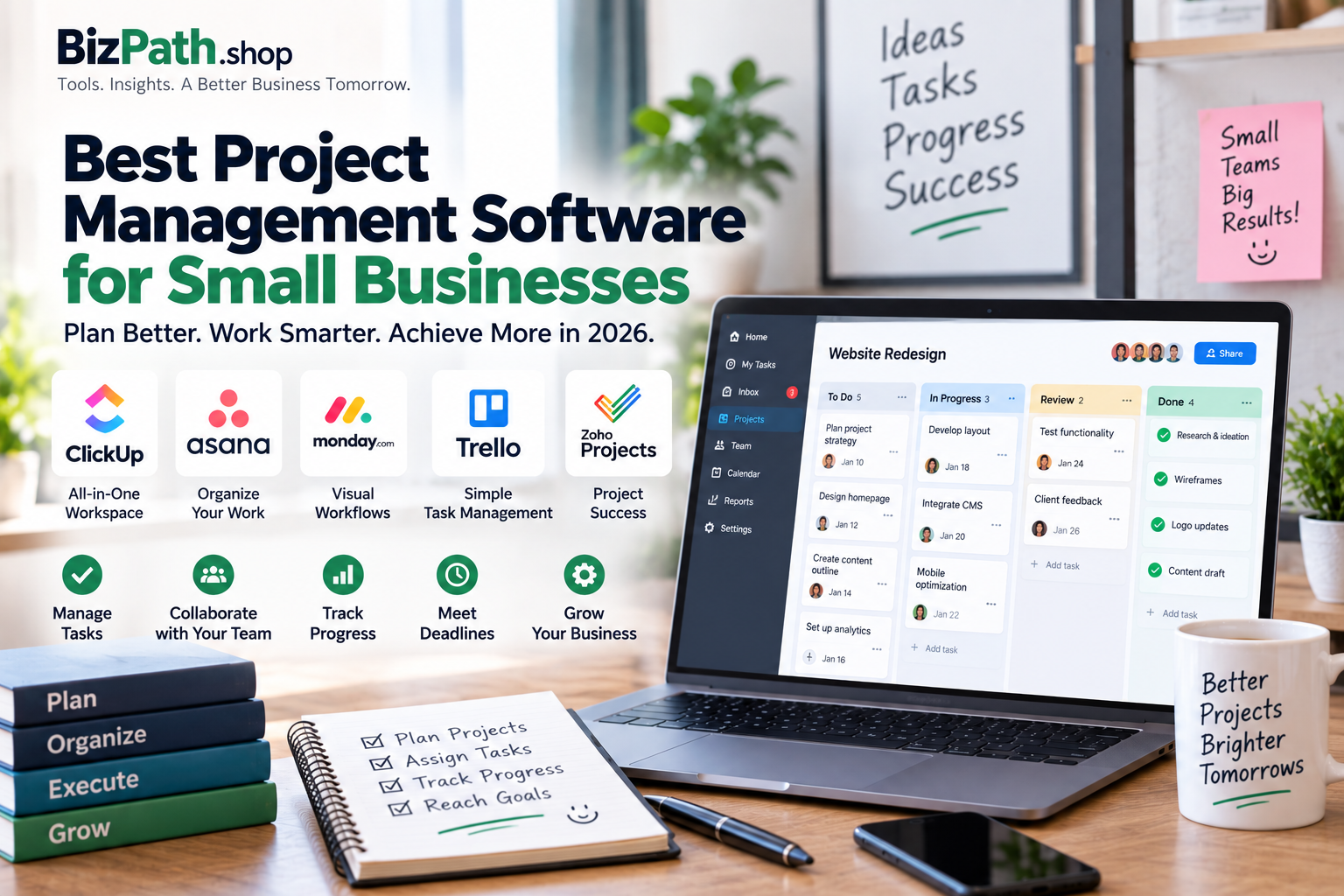
Running a small business often means managing multiple projects, deadlines, clients, employees, and daily tasks at the same time.
Without a proper system, important tasks can easily get lost in emails, spreadsheets, chat messages, or sticky notes.
That’s where project management software can help.
The right project management tool gives your team one place to organize tasks, assign responsibilities, track deadlines, collaborate with teammates, and see the overall progress of your projects.
But there are dozens of options available, and not every platform is designed for small businesses.
In this guide, we’ll compare some of the best project management software for small businesses in 2026 and explain which option may be the right fit for different types of teams.
Quick Comparison
| Software | Best For | Free Plan | Main Strength |
|---|---|---|---|
| ClickUp | All-in-one project management | Yes | Features and flexibility |
| Asana | Structured project workflows | Yes | Ease of use and organization |
| monday.com | Visual workflows | Yes | Customization and automation |
| Trello | Simple task management | Yes | Kanban boards |
| Zoho Projects | Budget-conscious businesses | Yes | Value and Zoho integration |
Note: Pricing, user limits, and features can change over time. Check the provider’s current plan before purchasing.
What Is Project Management Software?
Project management software is a tool that helps businesses plan, organize, and manage work.
Instead of keeping tasks in different places, you can create projects and manage everything from one dashboard.
Depending on the platform, you may be able to:
- Create and assign tasks
- Set deadlines
- Create project timelines
- Track project progress
- Manage team responsibilities
- Communicate with team members
- Share files
- Create recurring tasks
- Build automated workflows
- Track time
- Generate reports
- Manage multiple projects
For a small business, this can make everyday operations much easier.
Why Small Businesses Need Project Management Software
You don’t need a large team to benefit from project management software.
Even a team of two or three people can have multiple projects running at the same time.
For example, a small marketing agency might have:
- Website projects
- Social media campaigns
- Client meetings
- Content production
- Advertising campaigns
- Design work
- Monthly reporting
Trying to manage everything through email and spreadsheets can quickly become difficult.
Project management software gives everyone a clear picture of what needs to be done and who is responsible for it.
1. Keep Tasks Organized
Instead of keeping tasks in different apps, you can create one central workspace.
2. Track Deadlines
Project management tools make it easier to see upcoming deadlines and overdue tasks.
3. Improve Team Collaboration
Everyone can see project updates, comments, files, and assignments in one place.
4. Reduce Missed Tasks
Notifications, recurring tasks, and reminders can help prevent important work from being forgotten.
5. Manage Multiple Projects
You can create separate projects for different clients, departments, or business operations.
Best Project Management Software for Small Businesses
1. ClickUp — Best Overall for Features and Flexibility
ClickUp is one of the strongest options for small businesses that want an all-in-one project management platform.
Instead of using separate tools for tasks, documents, goals, dashboards, and project planning, ClickUp can bring many of these functions together.
Best For
Small businesses that want a flexible all-in-one workspace.
Key Features
- Task management
- Multiple project views
- Kanban boards
- Gantt charts
- Dashboards
- Documents
- Goals
- Automations
- Time tracking
- Team collaboration
Pros
- Large feature set
- Highly customizable
- Multiple ways to view projects
- Useful for growing teams
- Can replace several separate productivity tools
Cons
- Can feel overwhelming for beginners
- Requires some setup
- Not every business needs all of its features
Our Take
ClickUp is a strong choice if your business wants one platform to manage a wide range of work.
It’s especially useful when your projects become more complicated and you need more than a basic task list.
2. Asana — Best for Organized Project Workflows
Asana is known for its clean interface and structured approach to project management.
It’s a good option for businesses that want to organize tasks and projects without making the system unnecessarily complicated.
You can organize work using different project views and create tasks with owners, deadlines, dependencies, and other details.
Best For
Small businesses that need structured project management and clear workflows.
Key Features
- Task management
- Project boards
- List views
- Timeline planning
- Task dependencies
- Milestones
- Recurring tasks
- Team collaboration
- Workflow automation
- Integrations
Pros
- Clean interface
- Easy to understand
- Strong project organization
- Good for teams managing multiple workflows
- Useful collaboration features
Cons
- Some advanced features require paid plans
- Can become more expensive as your team grows
- Smaller teams may not need every feature
Our Take
Asana is a great choice if your team values organization and wants a project management system that is relatively easy to understand.
It’s particularly useful for marketing, operations, content, and service-based teams.
3. monday.com — Best for Visual Project Management
monday.com takes a highly visual approach to project management.
Projects are organized using boards, columns, statuses, and customizable workflows.
This can make it easy for teams to understand what’s happening across multiple projects.
Best For
Businesses that prefer visual dashboards and customizable workflows.
Key Features
- Project boards
- Task management
- Multiple views
- Dashboards
- Automations
- Workflow templates
- Team collaboration
- Integrations
- Reporting
Pros
- Highly visual
- Lots of customization
- Good automation options
- Useful templates
- Easy to create different workflows
Cons
- Can require time to customize
- Pricing can become more significant as teams grow
- May offer more functionality than a very small team needs
Our Take
monday.com is a strong option for businesses that want their project management system to match their existing workflow.
It’s particularly useful for marketing agencies, service businesses, operations teams, and businesses managing several client projects.
4. Trello — Best for Simple Task Management
If you don’t want a complicated project management system, Trello is worth considering.
Trello uses a simple Kanban-style board system.
You can create lists representing different stages of work and move cards between them as tasks progress.
For example:
To Do → In Progress → Review → Completed
This makes Trello extremely easy to understand.
Best For
Small teams, freelancers, and businesses that need simple visual task management.
Key Features
- Kanban boards
- Cards
- Checklists
- Due dates
- Labels
- Team collaboration
- Automation
- Templates
- Integrations
Pros
- Very easy to learn
- Simple visual interface
- Good free starting option
- Excellent for straightforward workflows
- Minimal setup
Cons
- Less powerful for complex projects
- Advanced reporting is more limited
- Large projects can become difficult to organize
Our Take
Trello is ideal if your business simply needs a visual way to track what needs to be done.
If you don’t need advanced reporting, resource planning, or complex dependencies, Trello may be all you need.
5. Zoho Projects — Best for Budget-Conscious Businesses
Zoho Projects is another option worth considering, especially for businesses already using other Zoho products.
It provides project planning and task management features while fitting into the broader Zoho ecosystem.
Best For
Small businesses looking for a cost-conscious project management platform.
Key Features
- Task management
- Project planning
- Milestones
- Gantt charts
- Time tracking
- Documents
- Reports
- Team collaboration
- Zoho integrations
Pros
- Competitive value
- Good project management features
- Works well with the Zoho ecosystem
- Suitable for small businesses
- Useful reporting options
Cons
- Interface may take some time to learn
- Best value comes when you’re already using Zoho tools
- Some advanced features require paid plans
Our Take
Zoho Projects makes sense if you already use Zoho CRM, Zoho Books, or other Zoho products.
It can also be a good option for businesses looking for useful project management features without choosing one of the more expensive platforms.
Project Management Software Comparison
| Feature | ClickUp | Asana | monday.com | Trello | Zoho Projects |
|---|---|---|---|---|---|
| Task Management | Yes | Yes | Yes | Yes | Yes |
| Kanban Boards | Yes | Yes | Yes | Yes | Yes |
| Timeline / Gantt | Yes | Yes | Yes | Limited | Yes |
| Automation | Yes | Yes | Yes | Yes | Yes |
| Dashboards | Yes | Yes | Yes | Limited | Yes |
| Time Tracking | Yes | Limited | Yes | Limited | Yes |
| Collaboration | Yes | Yes | Yes | Yes | Yes |
| Customization | High | High | High | Medium | High |
| Best For | All-in-one | Structured teams | Visual workflows | Simplicity | Value |
How to Choose the Right Project Management Software
The best project management software isn’t necessarily the one with the most features.
It’s the one your team will actually use.
Before choosing a platform, consider these factors.
1. Team Size
A solo freelancer doesn’t need the same software as a 20-person company.
If you only have a few people, simplicity may be more important than advanced project management features.
2. Type of Work
Think about what your team actually does.
For example:
- Marketing teams may need campaign management.
- Agencies may need client project tracking.
- Software teams may need dependencies and development workflows.
- Freelancers may only need tasks and deadlines.
- Operations teams may need automation and dashboards.
Choose software based on your workflow rather than the feature list.
3. Ease of Use
A tool with hundreds of features isn’t useful if your team doesn’t want to use it.
Look for a platform that your employees can understand quickly.
4. Collaboration
If your team works together frequently, look for features such as:
- Comments
- File sharing
- Mentions
- Notifications
- Task assignments
- Activity updates
5. Automation
Automation can save time by handling repetitive tasks.
For example, you could automatically:
- Assign a task
- Change a status
- Send a notification
- Create recurring tasks
- Move work to another stage
6. Integrations
Your project management software should ideally work with the other tools your business already uses.
Common integrations include:
- Google Workspace
- Microsoft 365
- Slack
- Zoom
- Dropbox
- CRM software
- Accounting software
- Communication tools
7. Scalability
Think about where your business will be in one or two years.
A tool that works for three employees may not be ideal when your company grows to 20 or 30 people.
Free vs Paid Project Management Software
Many project management platforms offer free plans.
For very small teams, a free plan may be enough.
You can often manage basic tasks, projects, deadlines, and collaboration without paying a monthly subscription.
However, paid plans may add features such as:
- Advanced reporting
- More automation
- Additional storage
- Advanced permissions
- Custom dashboards
- Time tracking
- More integrations
- Larger team limits
Don’t automatically upgrade just because a paid plan has more features.
Start with what your business actually needs.
Best Project Management Software for Different Businesses
Best for Freelancers
Trello is a strong option for freelancers who want simple task management.
ClickUp can also work well if you manage several clients and need more advanced organization.
Best for Marketing Agencies
Asana or monday.com can be good choices for agencies managing multiple campaigns and clients.
Best for Growing Teams
ClickUp is a strong choice when a business wants to combine project management with additional productivity features.
Best for Simple Workflows
Trello is hard to beat when all you need is a straightforward visual task board.
Best for Zoho Users
Zoho Projects makes the most sense if your business already uses other Zoho products.
Best for Visual Workflows
monday.com is a good fit for teams that like dashboards, boards, visual statuses, and customizable workflows.
Common Mistakes When Choosing Project Management Software
Choosing Too Many Features
More features don’t automatically mean better software.
A simple tool that your team uses every day is better than a powerful platform nobody understands.
Ignoring Team Adoption
Before purchasing software, make sure your employees are comfortable using it.
Choosing Based Only on Price
The cheapest platform isn’t always the best value.
Consider how much time the software can save your team.
Not Testing the Software
Whenever possible, use a free plan or trial before committing to a paid subscription.
Using Multiple Tools for the Same Job
Using one app for tasks, another for deadlines, another for files, and another for communication can create unnecessary complexity.
Try to keep your workflow as simple as possible.
Frequently Asked Questions
What is the best project management software for small businesses?
There isn’t one universal winner.
ClickUp is a strong choice for businesses wanting an all-in-one platform, while Asana is excellent for structured workflows. monday.com works well for visual and customizable workflows, while Trello is ideal for simple project tracking.
What is the easiest project management software for beginners?
Trello is one of the easiest options to learn because its Kanban board system is straightforward and visual.
Is project management software worth it for a small business?
Yes, especially if your business manages multiple projects, employees, clients, or deadlines.
Even a small team can benefit from having one central place to organize work.
Can small businesses use project management software for free?
Yes. Several popular project management platforms offer free plans or free starting options.
However, free plans usually have limitations around users, storage, automation, reporting, or advanced features.
Should a small business use Trello or ClickUp?
Choose Trello if you want simplicity.
Choose ClickUp if you want more advanced features and customization.
Should I choose Asana or monday.com?
Asana is a strong choice for structured project workflows and task management.
monday.com is particularly useful if your team prefers highly visual boards and customizable workflows.
How much does project management software cost?
Pricing varies significantly by provider, plan, billing cycle, and team size.
Many small-business plans fall somewhere around a few dollars to more than $10 per user per month, while some platforms also offer free plans.
Always check the provider’s current pricing before making a purchase.
Final Verdict
The best project management software for your small business depends on how your team works.
If you want one powerful platform with lots of flexibility, ClickUp is a strong choice.
If you want structured project management with a clean interface, consider Asana.
If you prefer visual dashboards and customizable workflows, monday.com is worth considering.
If you want simple Kanban-style task management, Trello is an excellent starting point.
And if you’re already using the Zoho ecosystem or want a value-focused option, Zoho Projects deserves a look.
The most important thing is not choosing the platform with the longest feature list.
Choose the software that your team can understand, adopt, and consistently use.
A simple project management system used every day will usually be more valuable than a complicated system that your team avoids.